Nexora
5 in 1 Carplay Ai Box Android Auto Wireless Carplay Adapter Carplay Car Multimedia Player Auto Connect For YouTube Netflix
5 in 1 Carplay Ai Box Android Auto Wireless Carplay Adapter Carplay Car Multimedia Player Auto Connect For YouTube Netflix
Couldn't load pickup availability
SPECIFICATIONS
Brand Name: WDSZKMYF
Choice: yes
High-concerned chemical: None
Origin: Mainland China

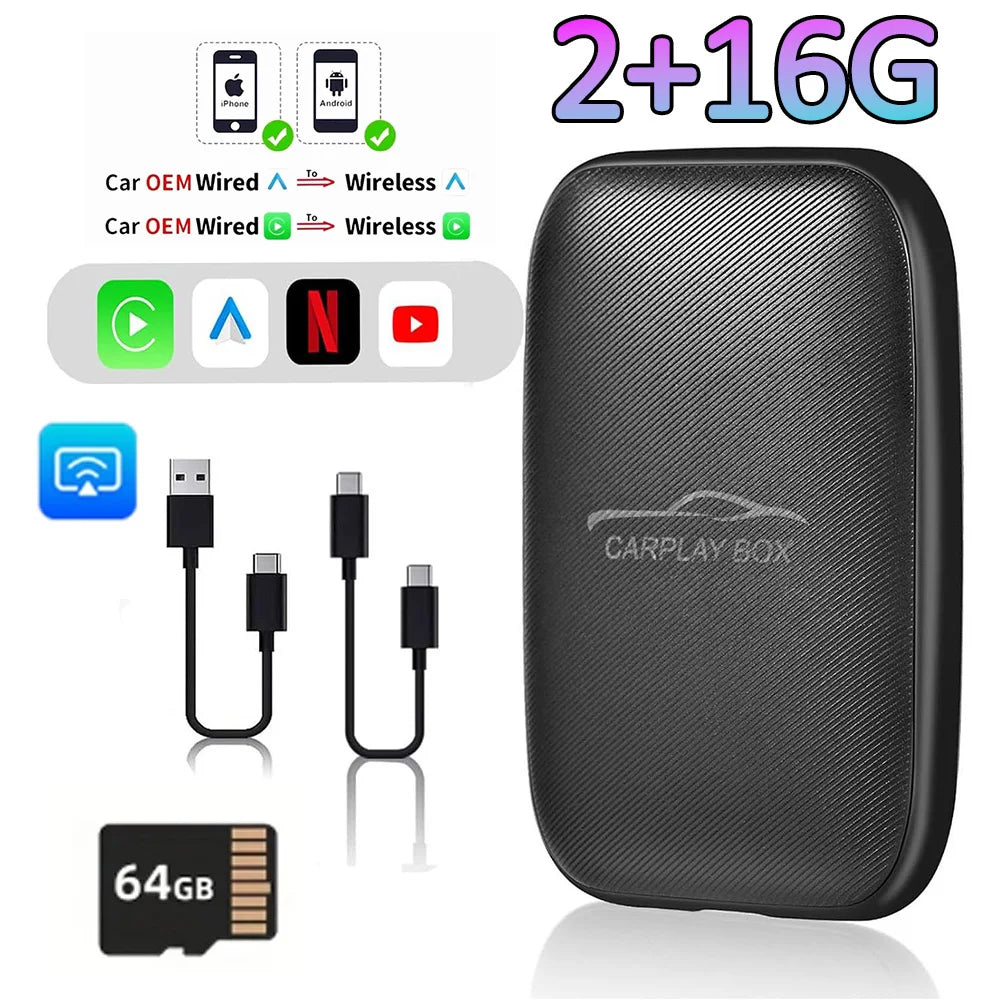
This product has been upgraded to 2GB RAM + 16GB storage, with the operating system upgraded from the older Android 8.1 to Android 14.0. It features mobile phone mirroring functionality, comes pre-installed with multiple TV apps, and supports adding a memory card to read and play music and movie files.
Before purchasing, please verify compatibility with your vehicle model: 1. The in-car display must be factory-installed, not aftermarket. 2. The factory display must support wired CarPlay functionality. This product works by converting the wired CarPlay signal into a wireless transmission.Scan the QR code to verify compatibility.

Model X204 5IN1 Magic box features the following:
❤. The Android system is compatible with wireless CarPlay and wireless Android Auto.
❤. It is compatible with both iPhone and Android phones, so you don't need to worry about the compatibility of your phone.
❤. It is built with Rockchips processor, which ensures low power consumption and high performance.
❤. It supports SD cards and has a built-in full 2G Netcom module for network connectivity. You can also use your phone's WiFi access point for networking.
❤. With high specification configuration and large storage space capacity, it is equipped with 2GB LPDDR3X + 16GB eMMC memory to reduce slow loading and delays caused by insufficient memory.
❤. It has built-in WiFi antenna and Bluetooth antenna. Even if your car doesn't have navigation, you can still use map applications.
❤. It supports video playback and comes with built-in YouTube and Netflix video apps.
❤. It can work in extreme weather conditions ranging from-25 A + 75 ℃.


**In order to perfect the user experience, the USB to Type-C plug has been upgraded to Type-C cable, the connection is more stable.🙂
Two packaging options available:
Due to ongoing packaging upgrades, this product may ship in either white or black packaging randomly. This does not affect product functionality.
Warm reminder:
1. It is normal that the color of the product display drawing is different from that of the real thing.
2. Please make sure your original car has OEM CarPlay, This product is suitable for 98% of cars with original wired Carplay. BMW, Tesla and some models are not compatible. If you are not sure. You can contact customer service to inquire.
3. For Carplay, it supports iPhone 6 and above models, and the software version is iOS 10 or above.
4. For Android Auto, it supports Android 11 and above models. Note that Huawei mobile phones are special. Huawei's HarmonyOS system is not applicable
5. The first time you connect your cell phone to WIFI and Bluetooth, it takes about 1 minute to read the data, which is a normal phenomenon.
6.If you can not connect, ① please try to speak the car has been connected to the bluetooth list clear ② confirm the connection can read the data USB port, reconnect can be.
Frequently Asked Questions
Q1: Is it compatible with CarPlay and Android Auto?
A: This CaPlay Ai Box use the Carplay protocol and only support for cars with touch screen and factory wired Carplay from 2016.
Q2: Can this wireless adapter be paired with multiple phones?
A: Yes, it can be paired with multiple phones, but only can connect one device at a time.
Q3: If the Ai Box is not connected to Wifi or hotspot, can I watch online videos on Netflix?
A: It needs to be connected to Wifi or hotspot to play online steaming videos from Youtube, Netflix. If not, you can insert a TF card to play videos and music offline.
Q4. The device does not connect to the phone's Bluetooth (BT)?
Method 1- Unplug the device and then reconnect.
Method 2- Turn off the BT and forget the device, then reconnect it.
Method 3- Delete connection history on car screen and then reconnect.
Q5. BT/WiFi/Hotspot connection automatically turn on and off?
Method 1- Turn off the "Do not disturb mode" of the phone and restart the phone.
Method 2- Follow user manual to update the device.
Q6. Have been connected to wifi but the screen shows "No Network"?
Click "Setting" in the car screen homepage → "Date&time" → Turn on "Use network-provided time"